Download Porto. Free, for Windows, macOS and Linux.
The desktop app keeps the server and data on the office PC and works without internet; dock phones join over the marina Wi-Fi. For online booking there is the Docker image to install on your own server.
Windows, macOS and Linux · works offline · version 1.0.0 Source code
Desktop app
The app for the office PC
Porto 1.0.0
The links always download the latest version: today it is 1.0.0, the first public release. To be notified of new versions, watch the repository on GitHub (Watch → Releases). GitHub
The packages are built and signed by Coste360 S.R.L. from the release source. The app checks once a day whether a new version exists and tells you, without downloading anything: the check can be turned off.
On a server
With online booking: Porto on a server
The Docker image runs on an online Linux server or a mini PC on site, with SQLite included or PostgreSQL. You need it for the booking page, online payments and remote signing. Ready-made templates exist for Coolify and CapRover.
Read the installation guide (Italian)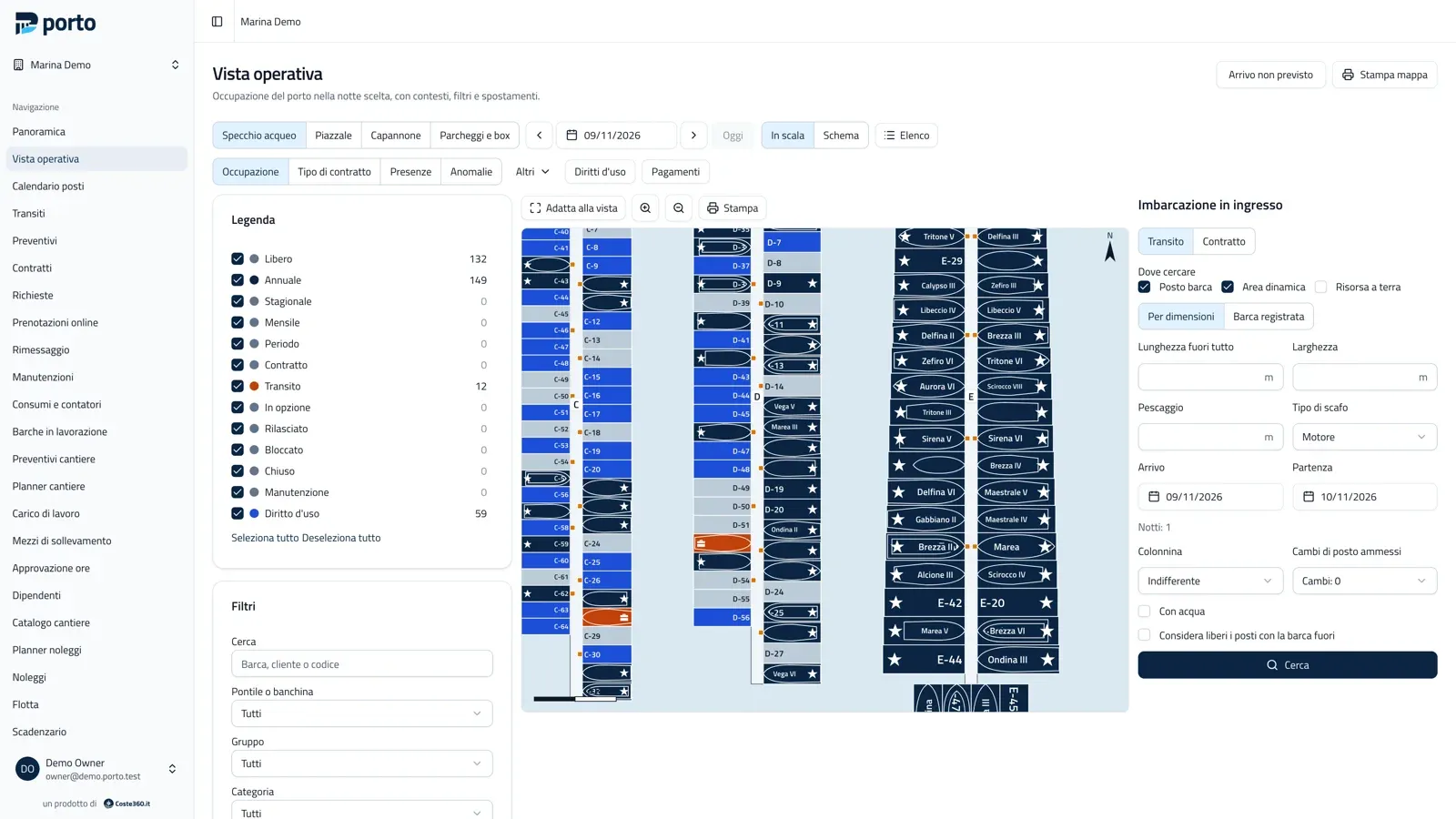
For developers
Source code and release notes
Online demo
Try the online demo
Walk into Marina Demo and try Porto in your browser, with nothing to install.
What you will find
Four maps with 350 berths, 250 customers, annual contracts and transits around today, dry storage, boatyard, rentals and sensors, all with made-up data.
Login details
- owner@demo.porto.test
- Password
- portomarina.app
The same password works for the other roles: director, office, accounting, dock, yard_mgr, yard, rental, viewer (always @demo.porto.test).
Open the demoThe demo is public and is reset every night: do not enter real data.
Want a safe start? We install it for you.
The Coste360.it team installs Porto where you need it and sets up the map, price lists and online booking with you.